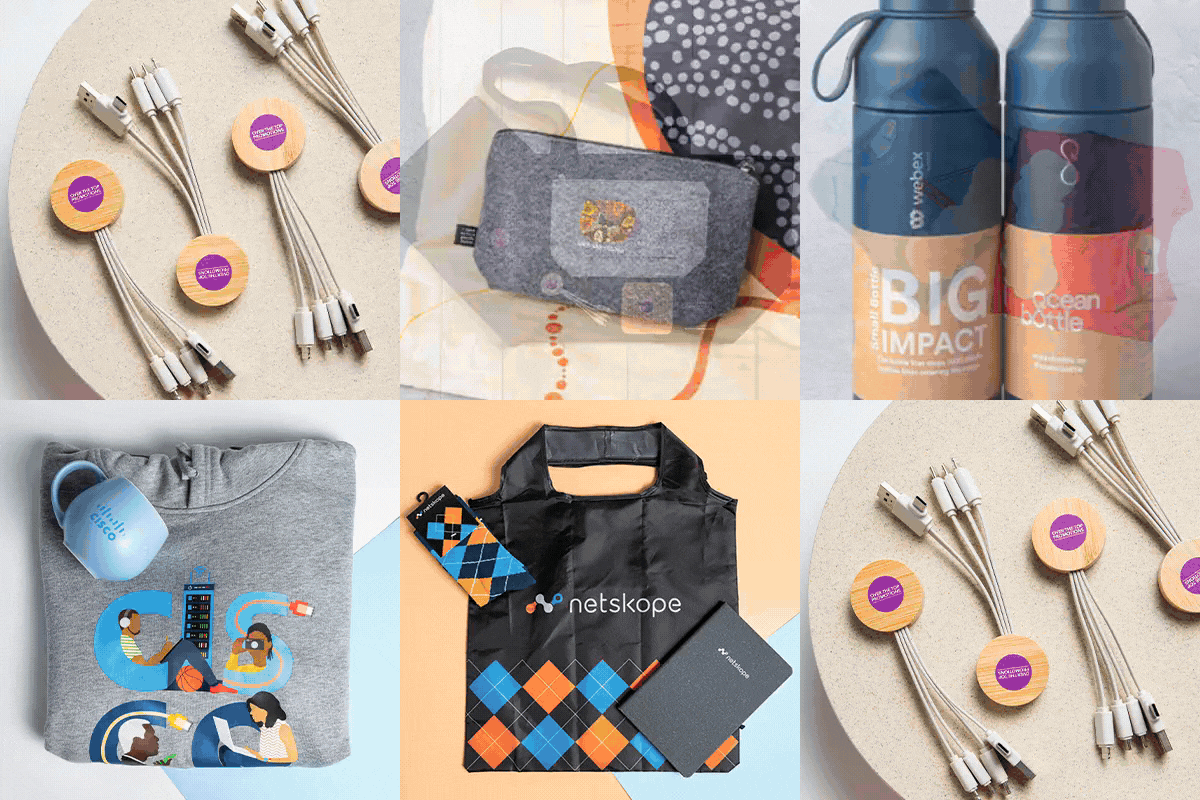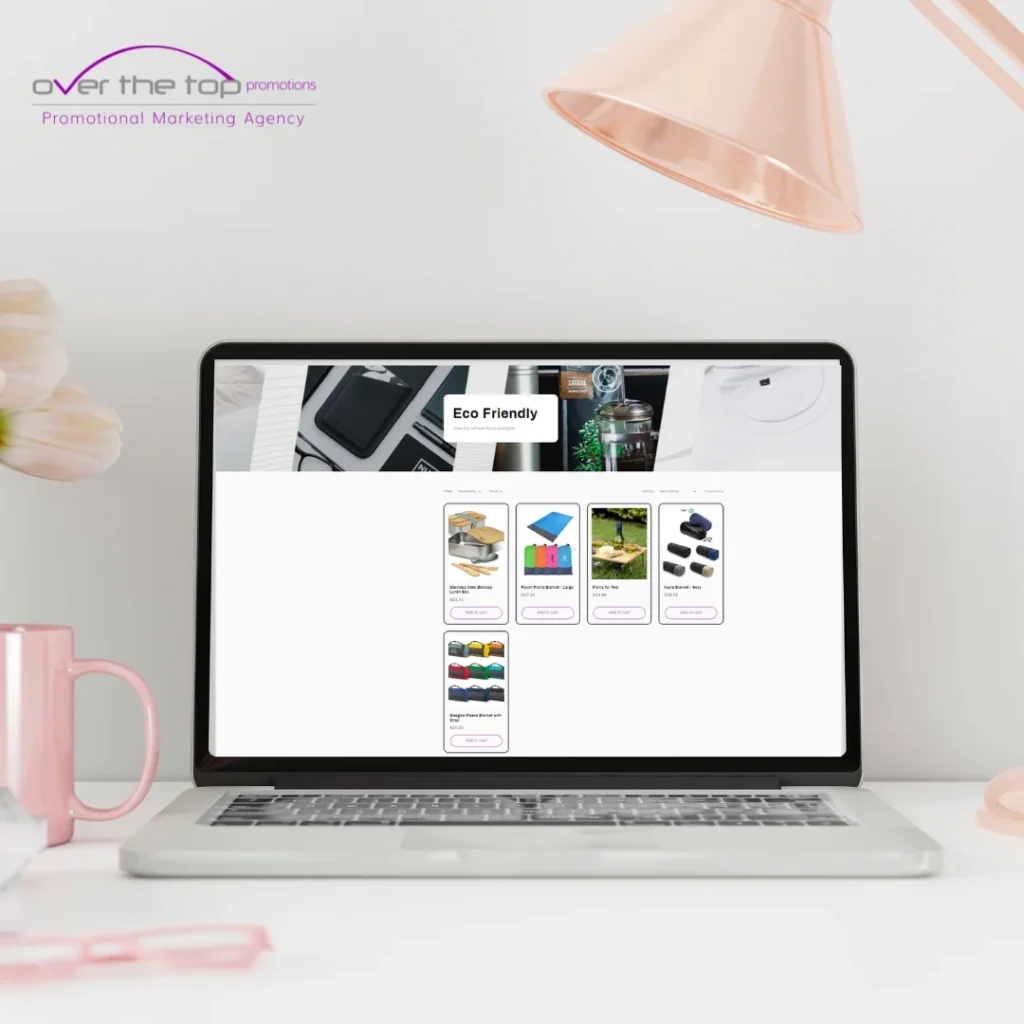

A corporate store, also called an online company store, is a branded eCommerce portal that centralises the ordering, management, and distribution of approved promotional merchandise.
You use it to simplify staff access to branded items like uniforms, onboarding kits, event giveaways, and campaign products — all while maintaining full control over your brand assets.
You need a scalable corporate store to eliminate manual merchandise tasks and create a consistent, brand-aligned system.
Key advantages:
| Benefit | Description |
|---|---|
| Centralised Ordering | Manage all requests in one branded platform |
| Brand Consistency | Apply fixed colours, logos, fonts, and packaging standards |
| Admin Efficiency | Reduce approval chains and minimise duplicate spending |
| Role-Based Access | Assign rules for departments, teams, or franchisees |
| Real-Time Reporting | Monitor usage trends, inventory levels, and order history |
Inkwell Global Marketing reports that businesses reduce merch-related admin time by 20–40% with a company store.
Use these six core steps to build your first online company store effectively:
Ask: Who will use your store and for what types of merchandise?
Examples:
HR teams → onboarding packs and uniforms
Franchisees → signage, POS kits
Marketing departments → event giveaways and promo items
Set rules around:
User permissions
Spending limits
Approval flows
Choose pre-approved, brand-aligned products. Group them by:
Department or team
Frequency of use (recurring vs. seasonal)
Business function (internal kits vs. partner gifts)
Top categories include:
Branded drinkware
Eco-conscious notebooks
Apparel and lanyards
Technology accessories
According to APPA (2024), these items remain in the top 5 for brand recall and repeat usage.
Ensure all items in your corporate store follow:
Official Pantone colours
Correct logo placement rules
Approved font usage
Branded packaging requirements
This maintains a consistent brand experience across all merchandise touchpoints.
Your options include:
A custom-built eCommerce site
A partner-managed online company store platform
Look for these core features:
| Feature | Functionality |
|---|---|
| Inventory Management | Track available stock in real time |
| Warehousing & Fulfilment | Store, pick, pack, and ship your merchandise efficiently |
| Print-on-Demand | Reduce upfront inventory costs |
| Custom Permissions | Control access by user role or department |
| Reporting Dashboard | View product popularity, usage trends, and spend summaries |
OTT Promotions, for example, provides a full-service corporate store solution tailored for the APJC region.
Before going live:
Run a limited test with one department
Check checkout flows, permissions, and order processes
Provide training resources for teams and approvers
This ensures smooth adoption and early feedback.
Monitor your corporate store monthly. Use KPIs like:
Most-ordered products
Average fulfilment time
Team-based spending
Stock turnover rate
Action steps:
Retire underused items
Promote high-turnover stock
Introduce seasonal or campaign-specific kits
To streamline performance, integrate these tools:
| Tool | Purpose |
|---|---|
| ERP Integration | Sync user data, budgets, and reporting with internal systems |
| Approval Workflows | Automate order authorisations and prevent overspending |
| Custom Packaging Options | Reinforce brand with consistent unboxing experiences |
| Analytics Dashboard | Generate usage insights, top-performing items, and cost impact |
HR/Admin → Onboarding kits, internal programs
Procurement → Supplier coordination, inventory thresholds
Merch Partner (if used) → Warehousing, fulfilment, tech support
Use this as a launch guide:
✅ Define target users and store purpose
✅ Curate approved products by category and team
✅ Enforce brand consistency through strict guidelines
✅ Select platform or partner with end-to-end services
✅ Test flows, train users, and go live
✅ Monitor KPIs monthly and improve continuously